 outline
Changelog
New updates and improvements to Outline.
Follow us on twitter to find out when features are released.
Follow us on twitter to find out when features are released.
Split view
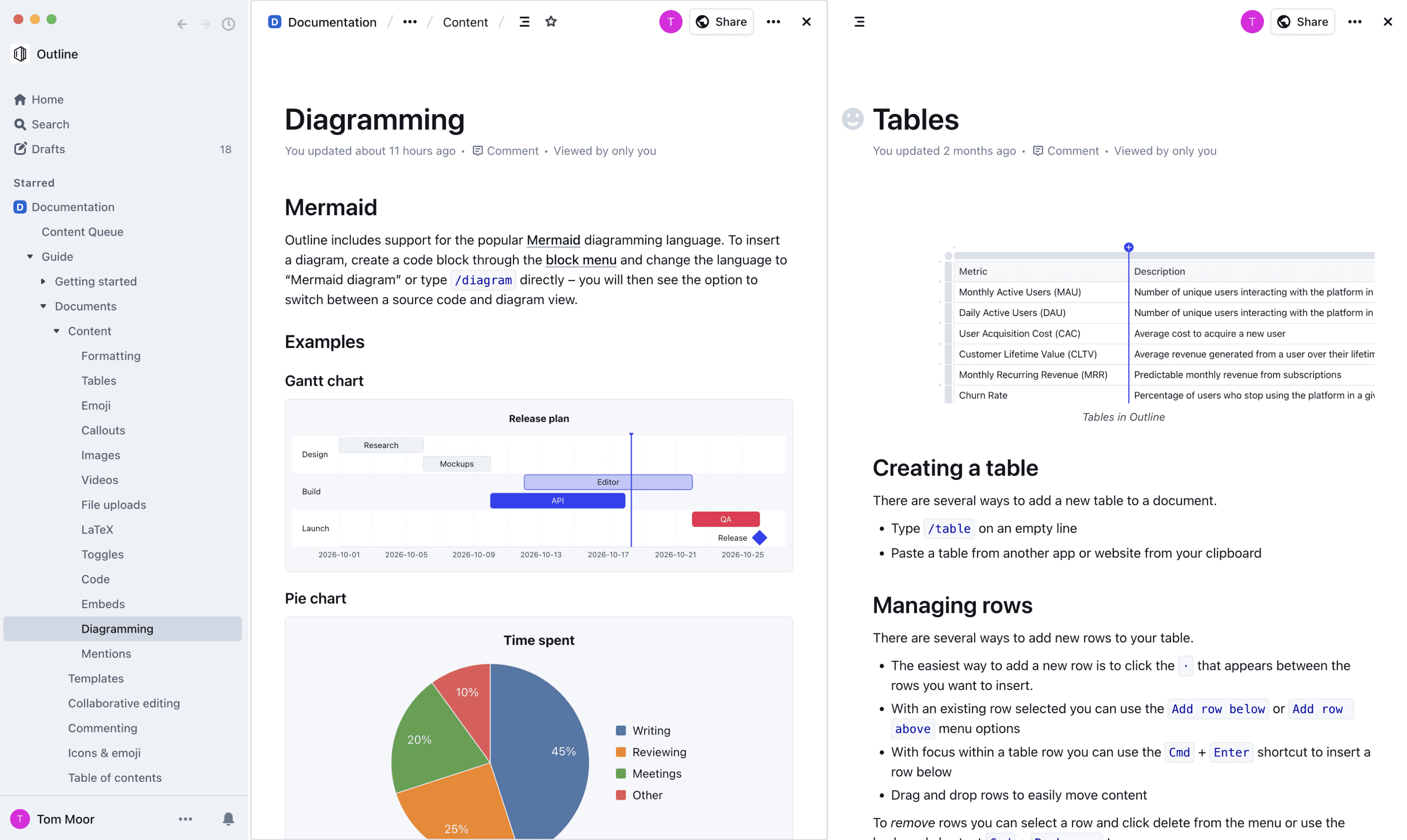
You can now open two documents side by side with the new split view, making it easy to reference one document while working in another.
- Open a second pane – choose "Open in split view" from a document or collection's menu, or from the command bar
- Quick shortcuts – modifier-click any link in the sidebar or editor (in the desktop app), or press
Cmd+Enter/Ctrl+Enterfrom the command menu, to open it in the split pane instead of navigating away - Resizable panes – drag the divider between panes to adjust their widths, or double-click it to reset to an even split
Each pane keeps its own navigation history, so links you click inside a pane open within that pane rather than replacing what you're viewing elsewhere. Comments and history panels also work independently per pane.