 outline
Changelog
New updates and improvements to Outline.
Follow us on twitter to find out when features are released.
Follow us on twitter to find out when features are released.
Present mode
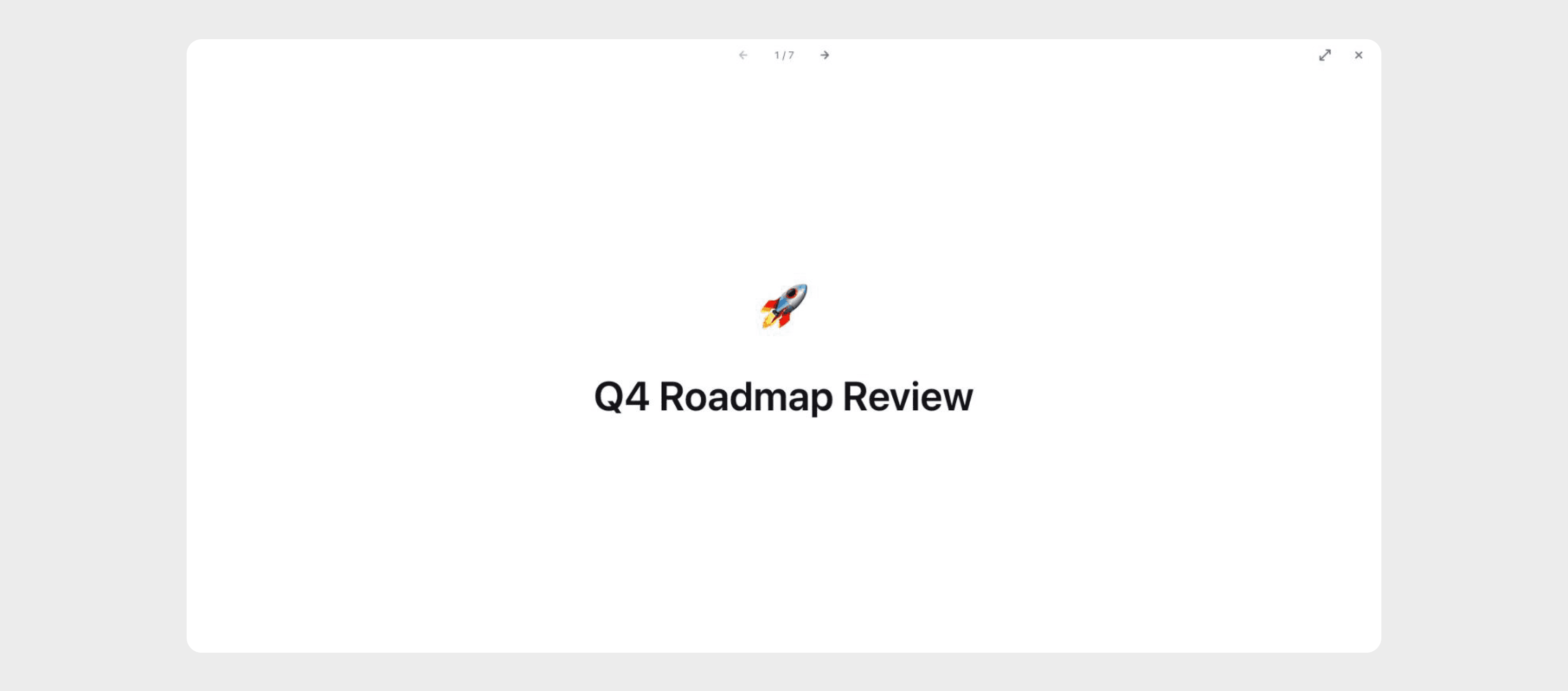
Any document can now be presented as a slideshow, straight from Outline – no need to copy your content into a separate presentation tool. Choose "Present" from the document menu, or press ⌘+Option+P, and the document is automatically split into slides at its headings and dividers.
- Keyboard navigation – move between slides with the arrow keys, space, or page up/down, jump to the start or end with home and end, and press escape to exit
- Fullscreen – press
Fto go fullscreen, controls fade away when the mouse is idle so nothing distracts from your content - Interactive – links and mentions still work while presenting, so you can jump to related documents mid-presentation